One record per job.
The client, campaign, brief, terms and deliverables live on a single record. Anyone invited to the job sees what was agreed without trawling the chat.
Everything agreed, in one place
Briefs, terms, cuts, timestamped feedback and approval. Every client job runs in one workspace, from first scope to final sign-off, with contracts rolling out during beta.
 View full size ↗
The brief is in email. The first cut is in Drive. Feedback is in WhatsApp. Put those pieces back on the job they belong to.
The client, campaign, brief, terms and deliverables live on a single record. Anyone invited to the job sees what was agreed without trawling the chat.
Everything agreed, in one placeGenerate the agreement from the job's terms and invite the client to review and sign it on The Creator List. Signing rolls out during beta.
From handshake to signed contract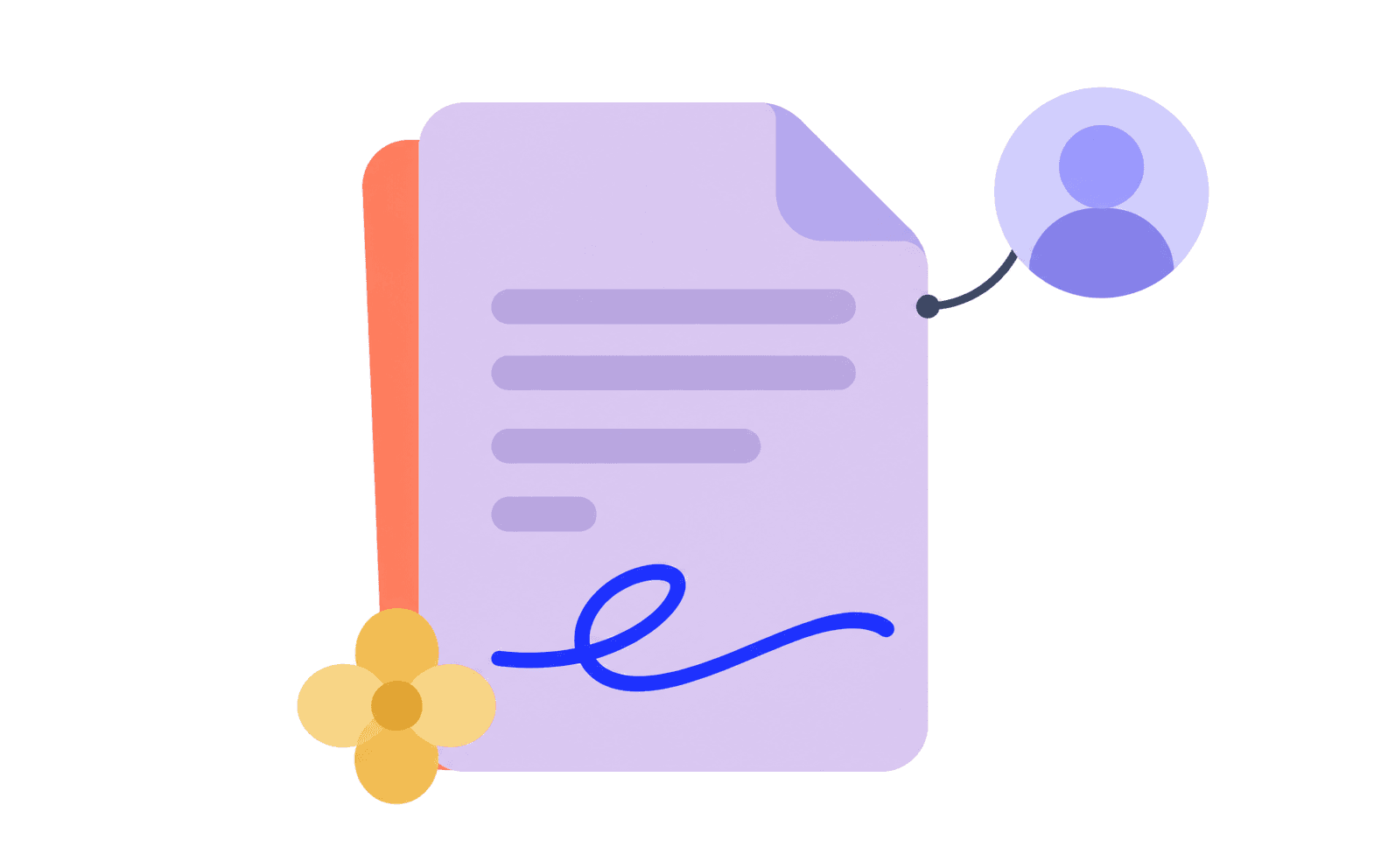
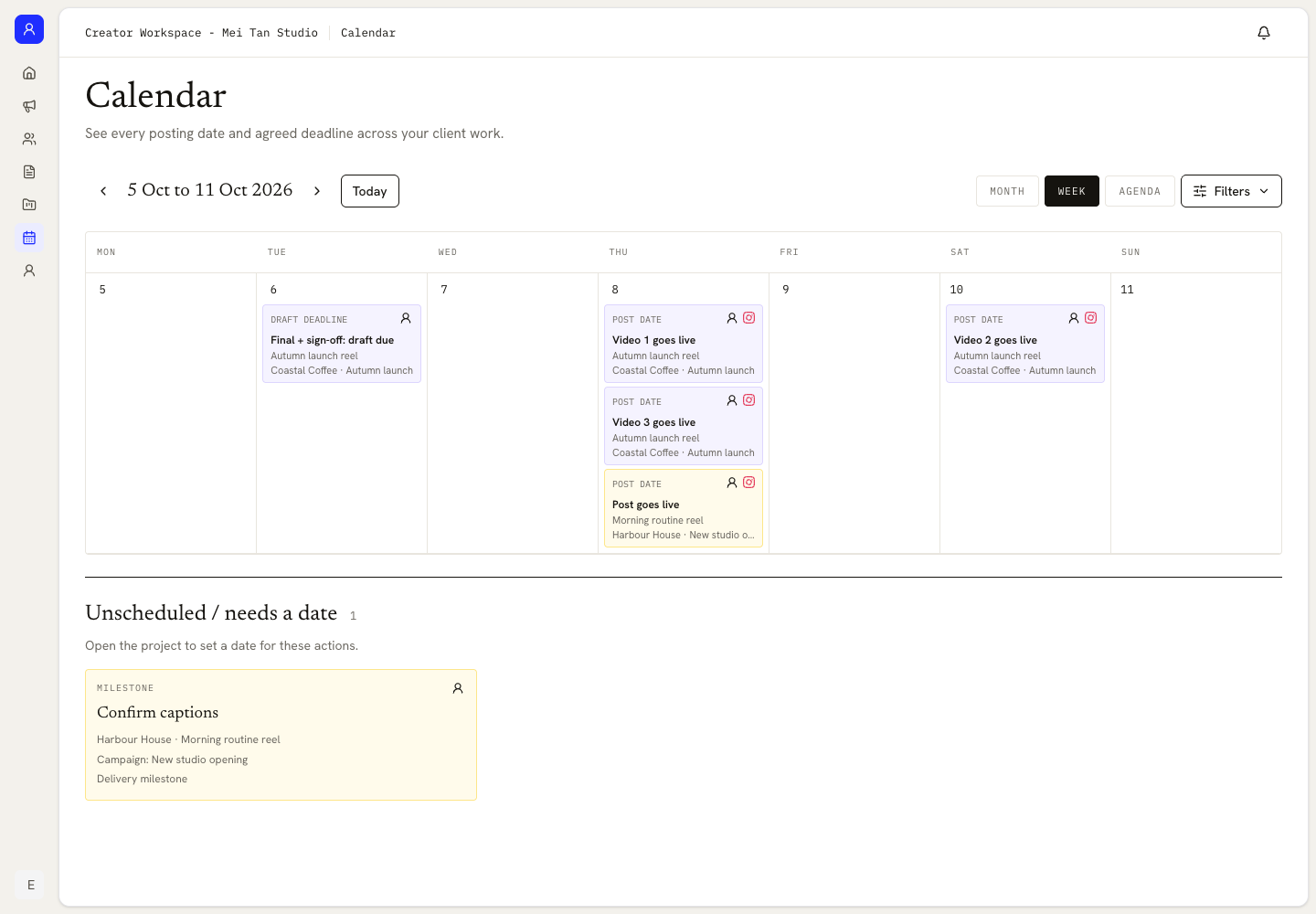
Draft, feedback, revision and post dates live on one calendar. Unscheduled actions wait in their own queue until you give them a date.
Open the calendar; see what is next
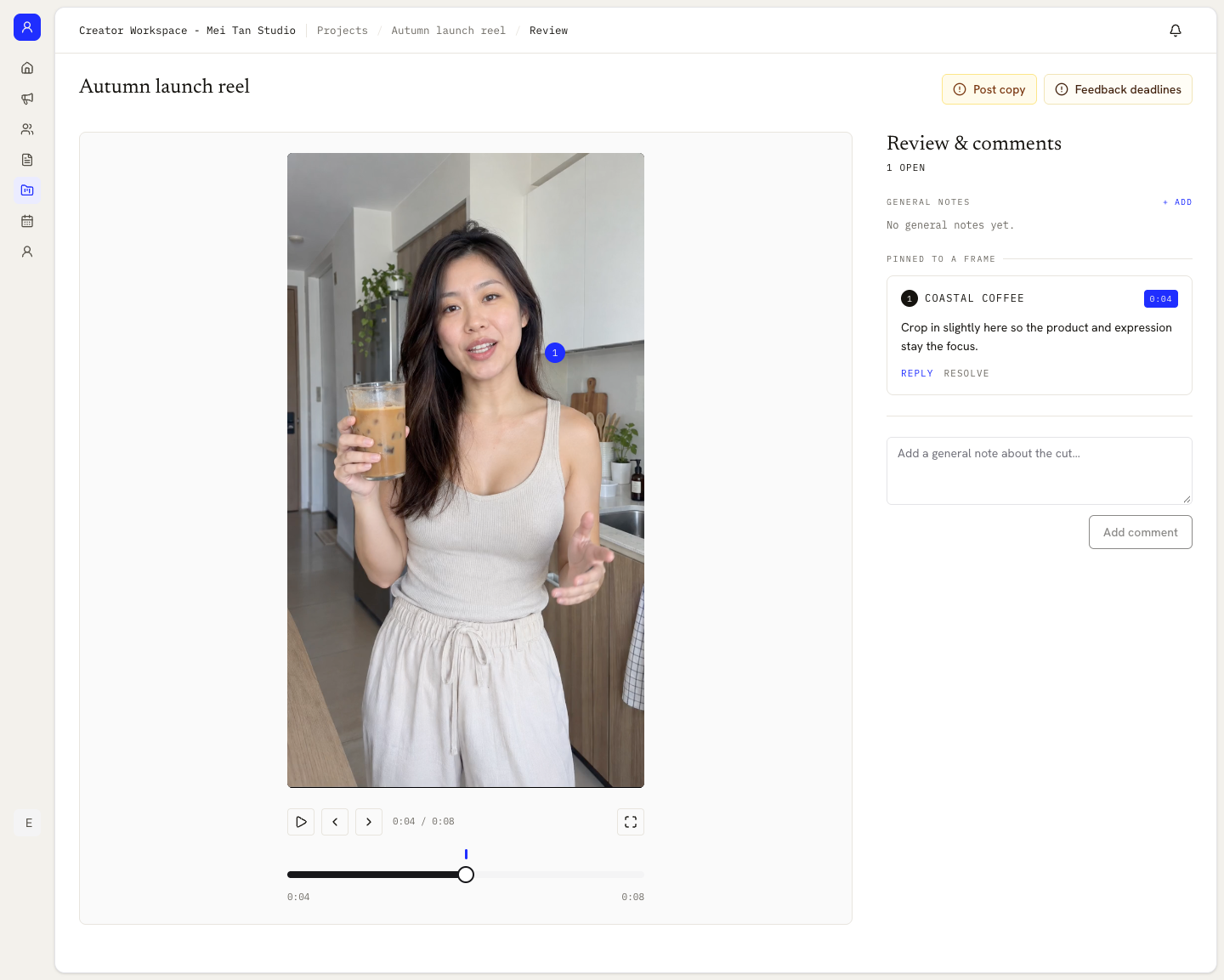
Leave a note at 00:17, reply beside it and resolve it when the next cut lands. The current version and included revision rounds stay in view.
No more ‘which version?’ thread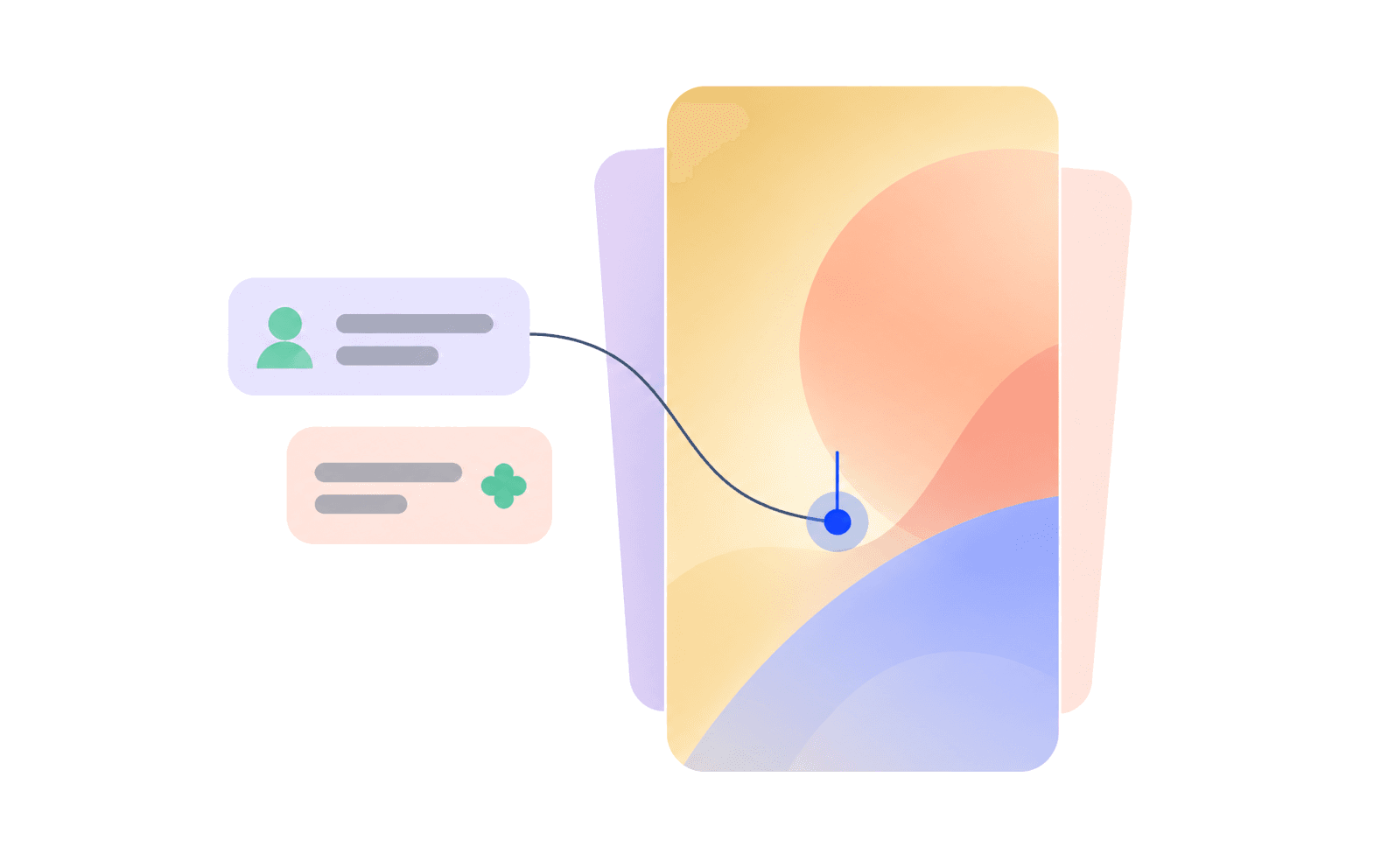
Click the frame instead of describing where the client should look.
Upload the next version without losing the feedback that led to it.
The creator and client can both see how many included revision rounds remain.
 View full size ↗
Choose Creator when you sign up. The same account can still use the marketplace.
No second loginEnter the client, campaign, brief, agreed terms and important dates.
Set it up before inviting anyoneSend access after the brief or first cut is ready for review.
They see this job, not your workspaceCollect timestamped notes, upload revisions and record the approval.
The final decision stays with the fileA workspace app for creators to run client jobs. The brief, terms, contract, video feedback and approval for each job live in one place, instead of scattered across your inbox, Drive and chat.
Free during beta. Bring a live campaign, or set up a practice job before you invite your first client.